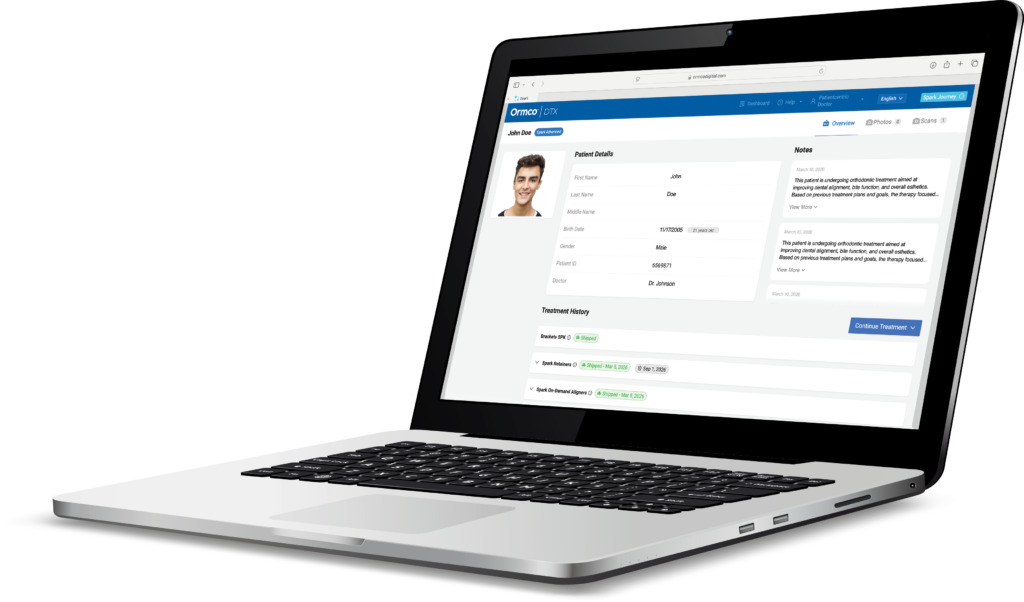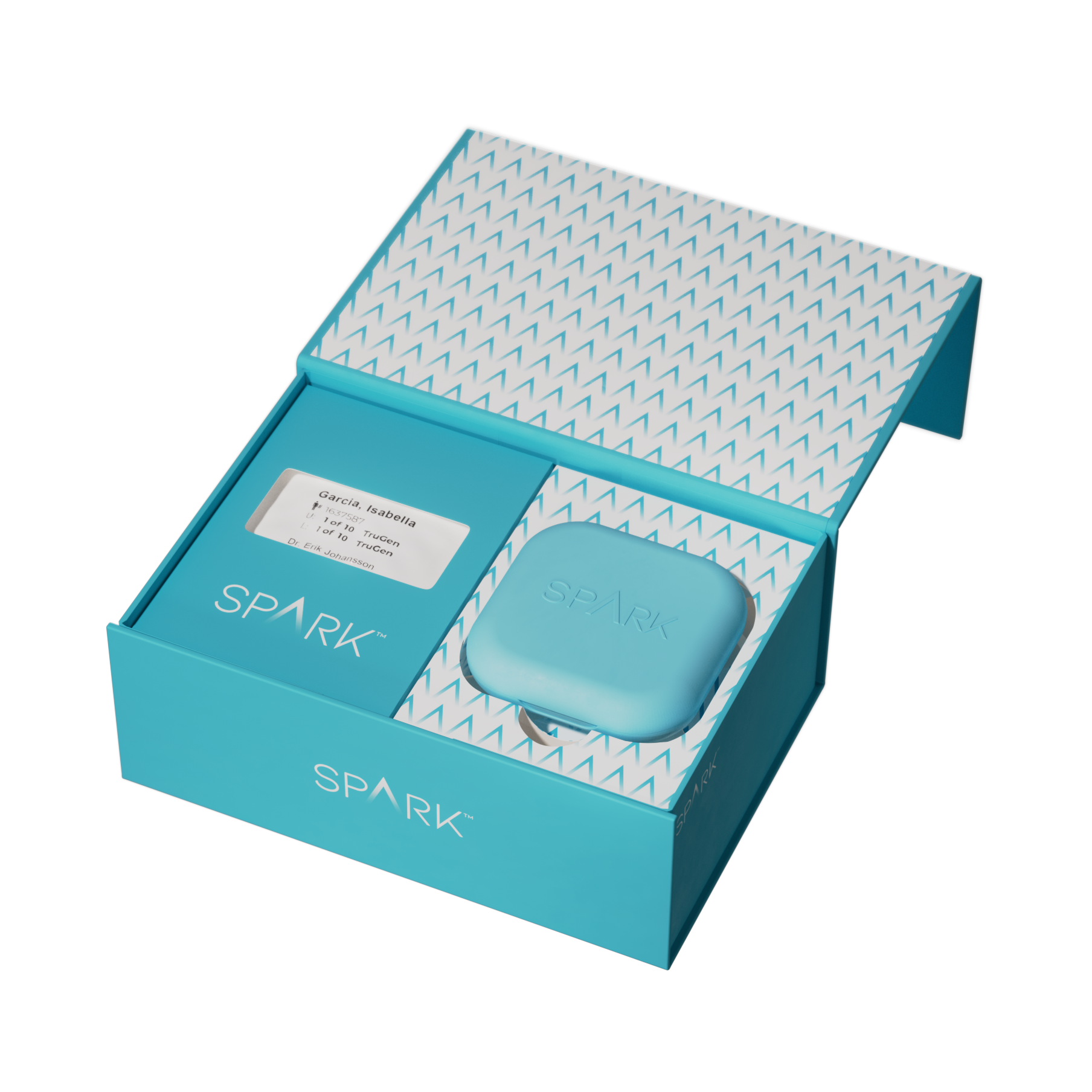

Spark™

Clear Aligner System designed for the needs of orthodontists

Spark™

Spark™ Junior

Clear aligner treatment tailored for kid and teen patients

Spark™ Junior

Spark™ Retainers

Designed to keep great smiles

Spark™ Retainers

EtchFree™ bonding

Bond smarter, protect better

EtchFree™ bonding

Damon Ultima™

The first true full expression system

Damon Ultima™

Ormco™ Digital Bonding

Digitally powered clinical excellence

Ormco™ Digital Bonding

Symetri™

Advanced clear bracket with refined strength and aesthetics

Symetri™

Dexis™ IOS

Intraoral Scanners

Dexis™ IOS

Brackets

Quality and value in each bracket we develop.

Brackets

Damon System

For all the ways you want to treat

Damon System

Archwires

High-quality archwires to deliver consistent, predictable results

Archwires

BANDS & CROWNS

The latest in anatomy

BANDS & CROWNS

BUCCAL TUBES

Tubes and bands for exceptional adhesion

BUCCAL TUBES

ADHESIVES & COMPOSITES

Maximum bond strength and convenience

ADHESIVES & COMPOSITES

INTRA/EXTRA ORAL DEVICES

Design that is smart, simple and efficient

INTRA/EXTRA ORAL DEVICES

HORIZON PRODUCTS

Discover all our lines of auxiliary products

HORIZON PRODUCTS

RETENTION

Discover the latest in retainer technology to offer the best fit and maximum comfort.

RETENTION

ALL PRODUCTS

Explore all products

ALL PRODUCTS

Ongoing Education 2026

Ongoing Education 2026

Dual paths One purpose

Dual paths One purpose

All Courses

Explore all courses

All Courses

Aligner Intensive Master

Aligner Intensive Master

Aligner Pro Academy

Aligner Pro Academy

Spark™ MasterCOIP

Spark™ MasterCOIP

Introducing Spark R16.2

This new Spark software update continues to bring even more fluidity and flexibility to your practice. Discover the new R16.2 features:

Spark Approver Web

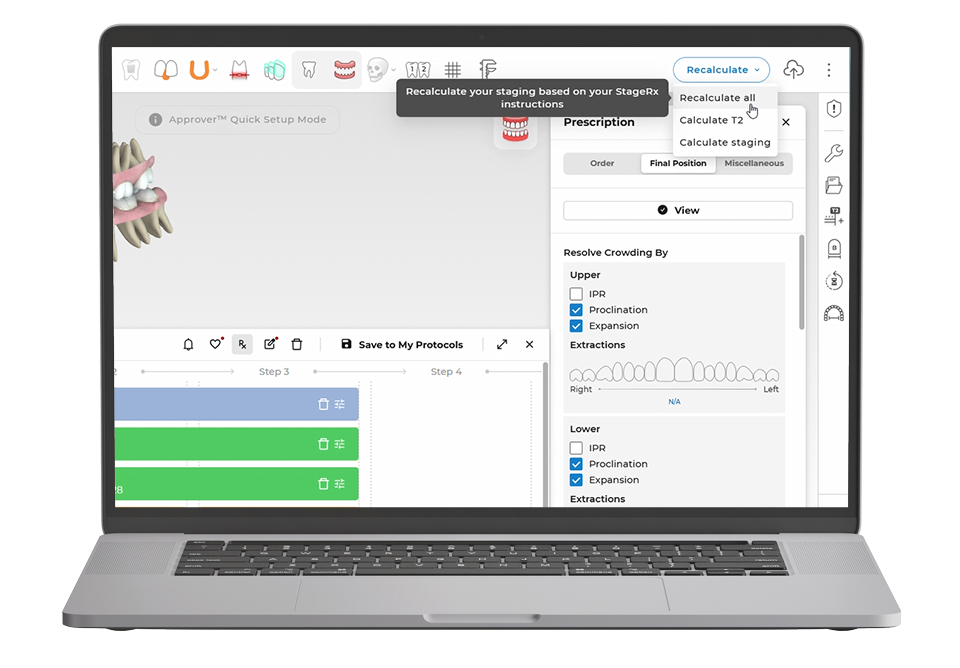
  • Recalculate Tool– Cases with pontics & half-pontics are now supported​
  • CBCT- Cortical Bone Slice Tool
  • Tooth Compass– NEW rotational axis compass option available​
  • Compare Model Tool – Now available in Approver Web!​
  • Language Support– Portuguese & Turkish languages

Spark Approver Desktop

  • Tooth Numbering– New labels for Implants & Bridges on the 3D model in Approver Desktop and Approver Web


Spark DTX Web Portal

  • New language support – Portuguese and Turkish


Ormco Digital Bonding

  • Bracket Rotation– A measurement for the rotation angle of the bracket relative to the wire plane is now available in Bracket Properties​
  • Sample Cases- ODB Symetri has been added to the list of available Sample Cases

Introducing Spark R16.1

This new Spark software update continues to bring even more fluidity and flexibility to your practice. Discover the new R16.1 features:

Stage Rx

  • Command Block – Updated command options: Expand, Align, Constrict, Intrude and Extrude, Mesialize and Distalize

Spark Approver Web

  • CBCT Cortical Bone – Collision Alert System with active collision distance
  • Measurement Tool – Now available in Approver Web

Spark Approver Desktop

  • Language Selection– Portuguese (Portugal) language support


Spark DTX Web Portal

  • Case Notifications– Improved notification details for case holds​
  • Scan Upload- New user-friendly interface

R16.1 Software updates

StageRx

StageRx

Command block

EXPAND- Command Updates

  • Expand command- “Amount” label has been changed to “Type”
  • Type of expansion- More specific instruction options have been added
  • Type

    • As needed (Default selection)
    • Uprighting only
    • Uprighting *then* bodily, if needed
    • Uprighting *and* bodily max 2 mm
    • Uprighting *and* bodily >=* 2 mm

StageRx

Command block

ALIGN- Command Updates

  • Simplified selection of Align command properties
    • Velocity
    • Create MD space before rotation

StageRx

Command block

CONSTRICT- Command Updates

  • Updated properties under the Constrict command block

    • Root Torque
    • Type

StageRx

Command block

Intrude and Extrude- Command Updates

  • Create MD space first” has been changed to “Create MD space before” Intrusion or Extrusion (dependent on the command block selection)
    Simplified selection of Intrude and Extrude command properties

    • Velocity
    • Create MD space

StageRx

Command block

Mesialize and Distalize- Command Updates

  • More detailed options have been added under the Sequence property

R16.1 Software updates

BiteSync Class II Corrector

BiteSync Class II Corrector

Rx Update

BiteSync now available under A-P Relationship

  • Include BiteSync for your case by selecting the option under “Improve canine & molar relationship” in the Correct A-P Relationship section
  • By default Occlusion Guide is selected, to indicate 100% correction by Occlusion Guide
  • Choose the end of MA phase position from the dropdown list, by default it is Class I Molar. Other options are Edge to Edge and Overcorrect

BiteSync Class II Corrector

Rx Update

BiteSync now available under A-P Relationship

  • For 100% correction with SideBar (100% correction), select the SideBar option and indicate if Button or Integrated Hooks should be added (elastics mandatory for SideBar)
  • Button is the default selection
  • Elastics option is selected by default, with SideBar

BiteSync Class II Corrector

BiteSync within StageRx workspace

  • BiteSync prescription is now available under the AP section in StageRx prescription tab
  • Select BiteSync , under the “Improve canine & molar relationship” option
  • Select “Occlusion Guide”, “SideBar” or “Full system” as needed
  • Based on selection, appropriate BiteSync protocol is automatically applied in the workspace (the detailed staging is currently hidden)
  • Make changes as needed to the newly added blocks for Occlusion Guide and SideBar

StageRx blocks for Occlusion Block and SideBar

R16.1 Software updates

Spark™ Approver Web

Spark Approver Web

CBCT- Cortical bone

The Cortical Bone Tool is now available!​

Collision Alert System

  • A collision visualization, between the Cortical Bone and the roots, is now available exclusively in Approver Web*
  • The Cortical Bone Collision Alert System also includes a distance measurement, when hovering over the colored root areas
  • Collisions can be enabled/ disabled by selecting the toggle within the Cortical Bone Tool button
  • Areas of the root will be colored, representing the root’s proximal distance from the Cortical Bone
    • Blue (Dark to Light)- within 0.5 mm
    • Green to Red- areas that are already outside the bone

*For cases that a CBCT DICOM file was submitted with patient records

Spark Approver Web

Measurement Tool

  • This Approver Desktop tool is now available in Approver Web
  • The Measurement Tool is also supported on iPad devices


R16.1 Software updates

Spark Approver Desktop

Spark Approver Web

Language Selection

Portuguese Language (Portugal)

  • Portuguese language is now supported in Approver Desktop
  • Available In the language selection menu, located in the User Settings

R16.1 Software updates

Spark DTX Web Portal

Spark DTX Web Portal

Case Hold Notifications

Manufacturing Hold- Information Improvements

  • A new hold type has been added for cases where issues are identified during the manufacturing stage
  • This hold functions like other case holds

    • The Doctor should review the ‘Reason’, and provide guidance on how the manufacturing team should proceed
    • Doctor comments are mandatory to resolve the hold
  • Improved UI- Doctors can now view all hold details in a dedicated tab for easier access and management


MKT 25-1326

Spark Release 16.0

This new Spark software update continues to bring even more fluidity and flexibility to your practice. Discover the new R15.7 features:

Spark Approver Web

  • iPad Support – Now available with editing and review capabilities
  • Recalculate Tool – Highlight new auxiliaries
  • Stage Editor – Active Aligner preview and Overcorrection Editor

Spark Approver Desktop

  • Export Movie – Aligner count and staging information while playing the movie

Spark DTX Web Portal

  • Retainer Reorders – adding more options to specify the reorder reasons

Ormco Digital Bonding

  • PDF Updates – Damon Arch is now displayed together with the real wire

R16.0 Software updates

Real-Time Approval

Spark Approver Web & Desktop

Recalculate Tool

Highlight New Auxiliaries

  • If an auxiliary was added after using the Recalculate Tool, these auxiliaries will be highlighted in a Green color
  • Easily differentiate between auxiliaries that were placed automatically by the software, and auxiliaries that were placed intentionally by the Doctor

Spark Approver Web

Stage Editor Panel

Overcorrection Aligner Editor​

  • The Overcorrection Aligner editor is now available in Approver Web​
  • You can add/ edit Overcorrection Aligners, choose between (3-3) or (7-7)​
  • A maximum of 5 Overcorrection Aligners can be added​

Active Aligner Editor- Aligner Preview​

  • Estimated outcomes will be displayed when adjustments to Active Aligners are made​
  • The approximate velocity reduction or number of additional aligners will be available for review​

R16.0 Software updates

Spark Approver Web

Spark Approver Web

iPad Accessibility

Approver Web is now supported with compatible iPad devices!​

  • Review/ editing capabilities have been optimized for performance on tablet devices​
  • Most Approver Web functionalities are available in the iPad friendly software​
  • Multi-select functionality for teeth or auxiliaries is only available when using a keyboard​

*Please note, you must:​

  • Save case changes prior to closing the case tab ​
  • Save changes prior to switching to another tab​
  • If changes haven’t been saved, they will be lost​

R16.0 Software updates

Spark Approver Desktop

Spark DTX  Web Portal

Export movie

Aligner Count​

  • The number of aligner stages is now available when playing the treatment movie

R16.0 Software updates

Spark DTX Web Portal

Spark DTX Web Portal

Retainer Reorders

  • Doctors can place Warranty reorders, free of charge, and ask for a new case design if the reason for reorder is one of the following:​
    • Instructions are not followed​
    • Fitting issues ​
    • Other​
  • Doctors can use the photos and scans from the previous order or upload a new set.​

R16.0 Software updates

Ormco Digital Bonding

Ormco Digital Bonding

PDF Updates

  • The Damon Arch is now displayed together with the real wire in PDF report​
  • The dotted line represents Damon Arch form, the solid line represents the real wire​


MKT 24-0603
MKT 24-1064